User personas are great, they help you to consider and categorise your perfect, ideal client, customer, or website user.
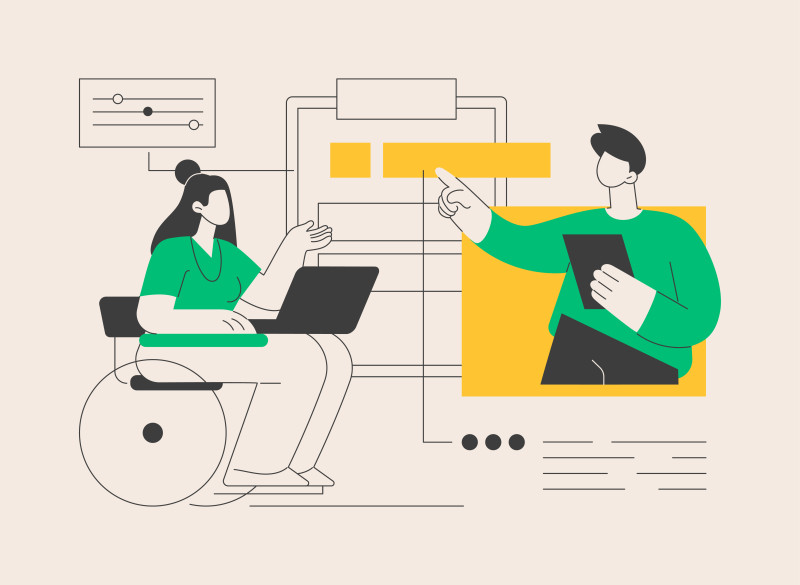
But, users are people. And people in the real world have real needs and differing levels of ability.
If you've designed your website with the perfect user in mind, you risk excluding a lot of people who would like to use your website in reality but are prevented from doing so.
Why? Because your website isn't accessible.
User’s functional abilities vary hugely
Don't forget that your users are people. And, in the real world, their functional abilities vary hugely, from person to person.
Their sight and hearing ranges from perfect to none, with a full spectrum in between.
People's literacy and comprehension levels and memory vary too, due to common conditions such as dyslexia, autism, dementia, anxiety and stress.
Physical and motor abilities vary, with differences in mobility, dexterity, strength and levels of pain.
Age is a factor too.
As we get older, our functional abilities deteriorate. Over half of the population over the age of 65 experience some kind of disability or impairment.
In addition to this, illness and injury are also factors.
Even if we are normally fit and healthy with no accessibility needs, we all experience temporary disabilities caused by short-term illness or injury from time to time.
Anyone can experience situational disabilities and impairments, such as not being able to hear well due to being in a noisy room or not being able to see well due to bright sunlight.
Has your mouse ever stopped working or you've forgotten to bring it and you've had to resort to using the keyboard instead? That's also a situational disability or impairment.
How did you find it? Easy? Moderately good? Frustratingly difficult? Were you able to manage and work around it? Imagine if it was like that for you all day every day.
People use different tools to access websites
People use different tools to access websites, but have you ever seen them being used first hand?
Yes, web browsers do provide settings with the ability to increase font size and colours so people can make text more legible, but there’s more to assistive technology than that.
Keyboard users can Tab and use the arrow keys to get around.
Screen magnifiers make on-screen elements even bigger.
Screen readers and text to audio plugins and additional functionality convert text to audio so that people who can’t see can hear the content as it’s read out instead.
Speech recognition software allows people to operate a computer without the use of their hands.
Accessibility Tools, like Bnode's own one, let users change a wide range of settings and give them additional functionality to help them read and navigate websites.
Get a demonstration of how these assistive technologies and tools work in practice and make sure that your website works for each of them. We can help with this. Get in touch to find out how.
Accessibility for all
Your goal should be to make your website – and other digital assets and resources too - as accessible as possible to everyone, and to make sure that you don’t exclude anyone.
You achieve this by doing everything you can to make sure that there aren’t any barriers that make it impossible or difficult for anyone to use the website.
Because, of course, you want that website to be easily accessed and used by everyone.
Remember - the goal is access for all through great accessibility.
This isn’t always possible 100% of the time though, but make sure that you’ve done your best to accommodate them.
Kickstart the process by getting up to speed on accessibility and website usability. Because, as Alistair Duggin says, “It’s lack of awareness that most commonly results in things being inaccessible”.
(Source: GOV UK – What we mean when we talk about Accessibility)
So, make sure you and your staff are aware of the different ways people use websites and what the issues are that prevent them from using yours.
Because, by increasing awareness of the different ways that people use your website and services, by following accessibility best practices and by auditing and optimising your websites and PDFs for a range of accessibility needs and situations, you have the best chance of achieving access for all. Get in touch with Bnode to find out how.
Here at Bnode, we’re specialists in accessible and inclusive web design and build. And we offer Accessibility Audits and deliver Accessibility Training too.
The key things to take away from this short article are:
- It’s lack of awareness that most commonly results in things being inaccessible
- People have a range of abilities
- People experience temporary disabilities caused by illness or injury, plus situational disabilities and impairments
- People use a variety of tools and assistive technology to access websites, not just web browsers, and you need to recognise and accommodate that
- Bnode are specialists in accessible and inclusive web design and build, and also offer Accessibility Audits and deliver Accessibility Training
 Bnode Ltd